10 Minute Mail Alternative 🚀 Free Temporary Email – DisposalMail
Introduction to Temporary Email Services
Email has become an essential part of everyday internet activity. Whether you want to register on a website, download a free resource, explore a new online platform, or test an application, most websites ask you to provide an email address. Although this process looks simple, sharing your primary email address with too many websites can create unwanted problems. Your inbox may become filled with promotional campaigns, newsletters, advertising messages, and notifications that you never requested. Over time, managing these messages becomes frustrating, and important personal emails can get lost among unnecessary notifications.
This is where temporary email services become useful. They provide short-term email addresses that allow you to receive messages without immediately sharing your personal email account. Instead of using your everyday inbox for every online activity, you can use a disposable address for suitable one-time registrations and temporary communication. One popular search term in this category is 10 Minute Mail, but users may also want an alternative that offers additional convenience and inbox-management options. DisposalMail.com is one service worth exploring because it advertises free temporary email access, instant inbox updates, multiple domains, email aliases, favorites, and email history.
Temp Mail – Free Temp Mail Service : DisposalMail 🚀 Try It Online
What Is 10 Minute Mail?
10 Minute Mail is a type of disposable email service designed to provide a temporary inbox for receiving messages over a short period. Its basic purpose is to help internet users complete simple online activities without exposing their primary email address. For example, imagine that you want to download an interesting free guide, but the website requires an email address before allowing access. Rather than immediately sharing your personal inbox, you can use a temporary address to receive the confirmation message. After completing the task, you can stop using that address and return to your normal online activities.
The name 10 Minute Mail comes from the short lifespan commonly associated with this type of service. However, not every provider follows precisely the same expiration policy. Some services allow users to extend their inbox lifetime, while others offer different temporary retention periods. For instance, one current 10-minute mail service describes a default ten-minute lifetime with extension options, while another provider may use a different approach. This makes it important to check the actual expiration rules before relying on any temporary inbox.
How Does 10 Minute Mail Work?
The process behind a temporary email service is relatively straightforward. A website generates an email address that can receive incoming messages through its email infrastructure. You copy that address and enter it into the registration form or website that requires email verification. When the website sends a confirmation link, verification code, or notification, the temporary email service receives the message and displays it in your inbox. Depending on the provider, the message may appear automatically or after you refresh the inbox.
Once the temporary address expires, access to the inbox may disappear, and its messages may be deleted according to the provider's retention policy. This makes temporary email convenient for short-term activities but unsuitable for accounts that require long-term access. If you need to reset a password several months later, an expired disposable address could prevent you from receiving the necessary recovery message. Therefore, temporary email should be treated as a convenient privacy tool rather than a replacement for a permanent email account.
Why Look for a 10 Minute Mail alternative?
Although traditional 10 Minute Mail services are useful, their features may not satisfy every user's requirements. Some people need more flexibility when choosing an email address, while others want a straightforward inbox interface with additional message-management options. A strict expiration period can also become inconvenient when a verification message arrives late or when a website requires multiple confirmation steps. Users may find themselves generating a new address and repeating the registration process simply because the original inbox is no longer available.
Another reason to explore alternatives is the difference in available features. Certain temporary email platforms focus mainly on generating an address and receiving messages. Other platforms advertise additional functionality, such as multiple domain choices, customizable aliases, favorites, and email history. These options can make everyday temporary-email activities easier to manage. DisposalMail.com offers an alternative approach for users who want to explore more than a basic ten-minute inbox, although its current retention and feature availability should always be checked directly on the website.
What Is a Disposable Email and How It Works?
What Is DisposalMail.com?
DisposalMail.com is an online platform that provides free temporary email addresses for people who want to separate short-term online communication from their primary inbox. Its service is designed around convenience, allowing visitors to access a temporary email address without going through a traditional email registration process. Rather than creating another permanent account, users can visit the website and explore its temporary email functionality directly from their browser.
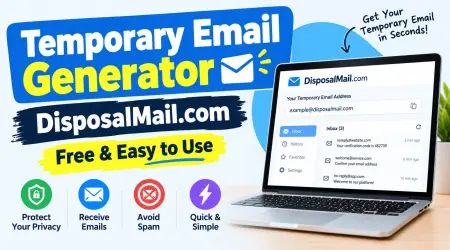
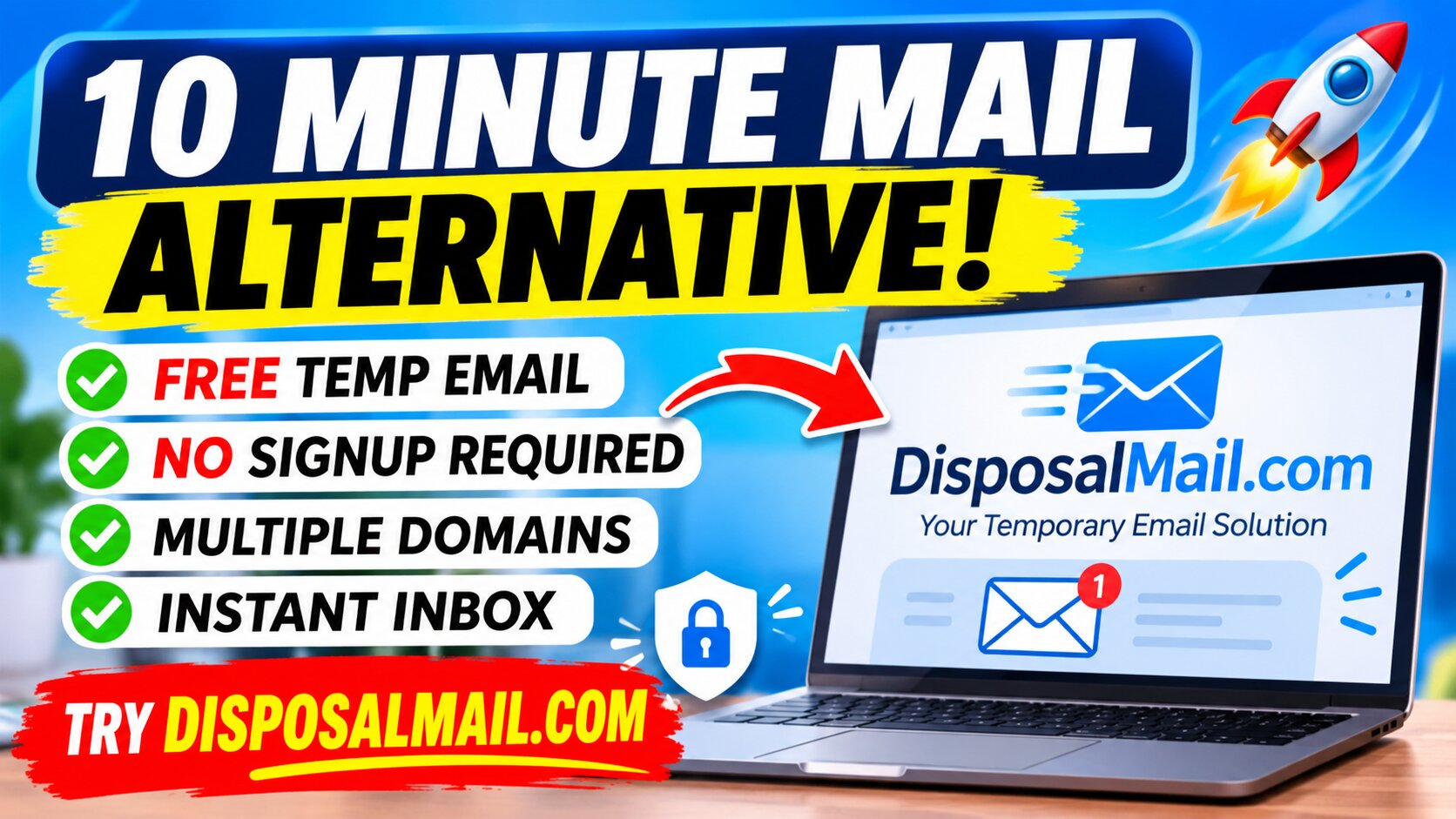
The platform advertises several features that make it worth considering as a 10 Minute Mail alternative. These include instant inbox updates, multiple email domains, email alias options, email history, favorites, and free access to its basic temporary email service. Its interface also includes controls for changing the email address and selecting an available domain. These features provide a practical starting point for people who frequently need temporary addresses for website testing, low-risk registrations, and other short-term online activities.
You can visit the official website here:
Website: DisposalMail.com – Free Temporary Email Service
Key Features of DisposalMail.com
A good temporary email platform should make it easy to create an address, receive messages, and manage the inbox without unnecessary complications. DisposalMail promotes several features intended to improve this experience. Instead of focusing exclusively on a countdown timer, the platform provides options for managing temporary email addresses and incoming messages. These features may be particularly helpful for users who perform multiple online registrations or need separate inboxes for different testing activities.
Free Temporary Email Addresses
One of the main attractions of DisposalMail is its free temporary email service. Users can explore its basic email functionality without purchasing a subscription. This makes the platform accessible to people who occasionally need an additional email address but do not want to pay for another traditional email account. A free temporary email option can be useful for students, freelancers, developers, digital marketers, and everyday internet users who want to keep their personal inbox separate from low-priority online activities.
The benefit is not simply about saving money. It is also about reducing unnecessary steps. Creating a new permanent email account often involves providing personal information, setting a password, and completing additional verification procedures. A temporary email platform can simplify the process when the task only requires receiving a short-term message. DisposalMail promotes registration-free access, making it convenient to explore its service without a lengthy account-creation process.
Instant Inbox Updates
Waiting for a verification message can interrupt an otherwise simple online activity. You register on a website, request a confirmation code, and then repeatedly refresh your inbox to see whether the message has arrived. A temporary email platform with automatic inbox updates can make this experience more convenient.
DisposalMail advertises real-time inbox updates, allowing users to monitor incoming messages without manually refreshing the page. This feature is useful when receiving account confirmation messages, one-time notifications, and other temporary communication. However, actual delivery speed can depend on the sending website, email infrastructure, and whether the sender accepts the temporary email domain. If a message does not arrive, check the address carefully and allow time for delivery before trying another option.
How to secure your emails and accounts!
Multiple Email Domains and Custom Aliases
Different temporary email providers offer different address formats and domain options. Some automatically generate a random address, while others allow users to select from available domains or customize an alias. Having these choices can make temporary email more flexible, especially when managing separate testing activities.
DisposalMail advertises multiple domain choices and email alias functionality. This means users can explore available address options rather than relying on a single fixed format. For developers, this can be helpful when testing registration forms and checking how applications handle different email addresses. For ordinary users, it provides additional flexibility when creating a temporary inbox. Keep in mind that a website may reject known disposable email domains, so domain selection does not guarantee acceptance on every platform.
Email History and Favorites
Managing multiple temporary messages can become confusing when you use disposable email for different tasks. You might receive several verification emails, notifications, and other messages within a short period. Without an organized interface, finding a particular message can take extra time.
DisposalMail advertises email history and favorites features to help users manage messages. Email history can help locate previous email entries through the available interface, while favorites can make selected messages easier to find. These features are useful conveniences, but users should not assume that they provide permanent storage or guaranteed recovery after an inbox expires. Always check the current retention policy and save any information you genuinely need before depending on a temporary message.
Free Temporary Email Without Registration | DisposalMail
DisposalMail vs. 10 Minute Mail
When comparing temporary email platforms, it is important to look beyond the name and consider the actual features. Traditional 10 Minute Mail services are designed around quick access to a short-lived inbox. DisposalMail , on the other hand, advertises additional options for managing addresses and messages. Both approaches can be useful, depending on whether you need a simple disposable inbox or a service with more flexibility.
Here is a general comparison based on the currently advertised features. Individual 10 Minute Mail providers have different policies, so this comparison describes common service characteristics rather than every provider.
| Feature | Traditional 10 Minute Mail | DisposalMail.com |
|---|---|---|
| Temporary email | Yes | Yes |
| Free access | Commonly available | Advertised |
| Registration-free access | Commonly available | Advertised |
| Instant inbox updates | Provider-dependent | Advertised |
| Multiple domains | Provider-dependent | Advertised |
| Custom aliases | Provider-dependent | Advertised |
| Email history | Provider-dependent | Advertised |
| Favorites | Provider-dependent | Advertised |
| Expiration period | Often around 10 minutes | Check current service policy |
| Mobile browser access | Provider-dependent | Browser-based access |
The biggest difference is flexibility. A traditional ten-minute inbox may be sufficient if you only need to receive one confirmation message and immediately finish your task. However, if you want to explore multiple domains, manage aliases, or organize messages, DisposalMail's advertised functionality may be more appealing. Instead of selecting a service based only on its name, consider the features you actually need and how long you need access to your messages.
Benefits of Using DisposalMail
Temporary email services provide several practical advantages when used appropriately. One of the biggest benefits is separating low-priority online activities from your personal communication. Every time you share your main email address with an unfamiliar website, you potentially create another source of promotional messages and marketing communication. Using a separate temporary address for suitable activities can reduce that exposure and help keep your primary inbox organized.
Another advantage is convenience. You do not need to maintain another traditional email account just to receive a single verification message. DisposalMail provides browser-based access and advertises free usage, multiple domains, and additional inbox-management options. These features can make the platform useful for people who regularly explore new websites, test online services, or download resources that require email confirmation.
There are several other potential advantages:
Reduced inbox clutter: Keep one-time registrations separate from your everyday email.
Convenient access: Explore temporary email through a web browser.
More flexibility: Use available domain and alias options.
Message organization: Explore favorites and email history.
No additional subscription: The basic service is advertised as free.
Useful for testing: Receive test messages without repeatedly using a personal address.
These benefits make DisposalMail an interesting option for everyday temporary email needs. However, a disposable address does not automatically make your online activity anonymous or guarantee complete protection from tracking. Good privacy practices still matter.
Free Random Email Generator Online
How to Use DisposalMail.com Step by Step
Getting started with DisposalMail is straightforward. You do not need to understand complicated email configurations or install a dedicated desktop application to explore its browser-based service. The general process involves visiting the website, obtaining an available temporary address, and using that address for a suitable online activity. After the sender delivers a message, you can check the inbox and read the information you need.
Follow these steps to get started:
Step 1: Visit the official website.
Open your preferred browser and visit DisposalMail.com. You will find the temporary email interface on the website. Make sure you are visiting the correct domain before using the service.
Step 2: Get your temporary email address.
Explore the generated email address displayed in the inbox interface. Depending on the available options, you may also be able to change the email alias or select a different domain. Choose an address suitable for your temporary activity.
Step 3: Copy your email address.
Copy the displayed address so you can paste it into the registration form or website requesting an email. Double-check the spelling before submitting the form because even a small mistake can prevent the confirmation message from reaching your inbox.
Step 4: Complete the online registration.
Visit the website where you need to receive a confirmation email. Enter your temporary address and follow the website's normal registration or verification instructions. Only use a disposable email address where permitted by the website's rules.
Step 5: Check your temporary inbox.
Return to DisposalMail and look for the incoming message. The platform advertises automatic inbox updates, so you can check for new messages without repeatedly refreshing the page. If the message does not appear, check the sender's delivery status and verify that the address was entered correctly.
Step 6: Read the message and complete your task.
Open the message and follow the appropriate confirmation instructions. If you receive a verification code, enter it on the website requesting verification. Avoid clicking suspicious links or downloading unexpected attachments.
Step 7: Finish and stop using the address.
Once your temporary activity is complete, you can stop using the disposable address. Check the service's current retention policy before assuming that messages will remain accessible. Do not depend on temporary email for important account recovery.
This simple process can save time when you need a separate inbox for a short-term activity.
Best Uses for Temporary Email
Temporary email can be useful in many everyday situations, particularly when a website requires an email address for an activity that does not require a permanent relationship. For example, you might want to explore a new online tool, download a publicly available resource, or test a website registration process. In these situations, a temporary inbox can help separate the activity from your primary email account.
Website testing and development are particularly practical use cases. Developers often need to test registration forms, email delivery systems, and confirmation workflows. Using separate test addresses can make it easier to check whether an application sends the expected messages. Quality assurance teams may also use temporary addresses when testing how different signup flows behave.
Students and researchers may find disposable email useful when exploring websites that request an email address before providing access to certain resources. Freelancers and digital marketers can also use separate temporary inboxes for permitted, low-risk research activities. However, they should always respect platform policies and avoid using temporary addresses to create deceptive accounts or bypass restrictions.
Other suitable uses include:
Receiving one-time confirmation messages.
Exploring unfamiliar websites without sharing your primary inbox.
Testing email delivery on your own applications.
Accessing downloads that request an email address.
Keeping low-priority promotional registrations separate.
Testing permitted signup and verification workflows.
The important principle is to use temporary email for activities that do not require long-term communication or reliable account recovery.
Top Ten Formal Business Email Template
Privacy and Security Considerations
Privacy is one of the main reasons people search for a 10 Minute Mail alternative. A temporary email address can reduce the number of websites that receive your primary email address, helping you limit unwanted communication. However, there is an important difference between reducing email exposure and achieving complete online anonymity.
A temporary email provider still processes incoming messages and may handle technical information needed to operate its service. You should therefore read its privacy policy and understand how it handles message content, technical logs, and data retention. Do not assume that every temporary email provider follows the same privacy practices simply because it offers disposable addresses.
DisposalMail promotes its service as a privacy-focused temporary email option. Nevertheless, users should review the latest privacy and retention information directly before submitting anything sensitive.
Here are some sensible security practices:
1. Avoid sensitive accounts. Never use disposable email for banking, financial services, government accounts, medical records, or important personal accounts.
2. Do not share confidential information. Temporary inboxes are not designed to function as secure long-term storage for private documents.
3. Check incoming messages carefully. Phishing emails can arrive in temporary inboxes just as they can in ordinary email accounts.
4. Avoid suspicious attachments. Do not download unexpected files or open questionable links simply because you are using a disposable address.
5. Understand expiration policies. Make sure you know how long an address and its messages remain accessible.
6. Respect website rules. Some platforms prohibit disposable email addresses. Use an accepted permanent address when required.
A little caution can make temporary email more useful without creating unnecessary security risks.
Limitations of Temporary Email Services
Although disposable email is convenient, it is not the perfect solution for every online activity. Its biggest limitation is the temporary nature of the inbox. When an address expires or becomes inaccessible, you may lose the ability to receive future messages. This can become a serious problem if you used the address for a service that later requires password resets, security confirmations, or account notifications.
Another limitation is that some websites actively reject temporary email domains. Companies and online platforms may maintain lists of disposable email domains to discourage fraudulent registrations, spam, or abuse. As a result, your temporary address may not work on every website, even if it is functioning correctly.
Message delivery can also vary. Some verification emails arrive quickly, while others may be delayed or filtered. Temporary email services may have limitations involving sending messages, attachments, message retention, or inbox recovery. You should check the individual platform's current capabilities rather than assuming every feature is available.
For these reasons, use a permanent email address whenever you need dependable communication, account ownership, or future recovery options. Temporary email is best viewed as a supplementary tool.
Tips for Choosing the Best Temp Mail Service
Choosing the right temporary email provider can make a significant difference in your experience. With many services available online, it is tempting to select the first result in a search engine. However, the best service is not necessarily the one with the shortest name or the most attractive homepage. You should evaluate how it handles incoming messages, how easy it is to use, and whether its policies meet your requirements.
Start by considering the interface. A good temporary email platform should make the address easy to find and copy. You should be able to identify incoming messages without navigating through unnecessary pages. Automatic inbox updates are also helpful because they reduce the need for manual refreshing.
Next, consider flexibility. Multiple domain options and customizable aliases can be useful when managing different activities. Message-management features such as favorites and history may also help you organize incoming communication. DisposalMail advertises these features, making it a service worth comparing with other disposable email providers.
Finally, pay attention to privacy. Read the provider's privacy policy, check its data-retention practices, and avoid services that make unrealistic security promises. A trustworthy provider should explain its basic operating practices clearly. Your choice should depend on practical functionality, transparency, and responsible data handling rather than marketing claims alone.
Why DisposalMail Is Worth Trying
If you are searching for a 10 Minute Mail alternative, DisposalMail.com is worth exploring because it combines temporary email functionality with additional advertised inbox-management features. Its free access makes it easy to investigate without committing to a paid subscription. Its browser-based interface also means you can access the service through a compatible device without installing dedicated email software.
The platform's multiple-domain options and alias functionality may appeal to users who need more control over their temporary addresses. Its advertised favorites and email history features provide additional ways to organize messages. Automatic inbox updates can also make the process of receiving verification emails more convenient.
What makes a service useful is how well it solves a real problem. If your goal is to reduce unwanted messages in your personal inbox, test an application, or complete a permitted one-time registration, a temporary email address can be a practical choice. DisposalMail provides a convenient option to investigate for these purposes.
However, remember that temporary email is not a substitute for a secure permanent account. Always use an appropriate long-term address for accounts that matter, and check DisposalMail's current policies before relying on its specific features.
Conclusion
Finding a reliable 10 Minute Mail alternative can make your online experience easier, especially when you want to protect your primary email address from unnecessary messages. Temporary email services provide a convenient way to receive one-time verification emails, explore websites, test applications, and complete suitable online activities without creating another permanent email account.
DisposalMail.com is an interesting option for users looking for a free temporary email service with additional convenience features. Its advertised functionality includes instant inbox updates, multiple email domains, customizable aliases, email history, and favorites. These features make it worth exploring if you want more flexibility than a basic disposable inbox.
Whether you are a student, freelancer, developer, digital marketer, or regular internet user, managing your email exposure is an important part of maintaining better online privacy. Instead of sharing your primary address everywhere, consider using temporary email for appropriate short-term activities.
Ready to explore a convenient temporary email solution?
Visit DisposalMail.com today and discover a simple way to manage temporary email needs! 🚀
Frequently Asked Questions (FAQs)
Q1. What is the best 10 Minute Mail alternative?
DisposalMail.com is one option worth exploring if you want a free temporary email service with features such as multiple domains, email aliases, instant inbox updates, favorites, and email history. The best choice depends on your privacy requirements and the features you need.
Q2. Is DisposalMail.com free to use?
Yes. DisposalMail advertises free access to its basic temporary email service without requiring a subscription. Visit the official website to check the latest available features and conditions.
Q3. Do I need to register to use DisposalMail.com?
DisposalMail advertises registration-free access. This makes it convenient for users who want to obtain a temporary email address without creating another traditional email account. alternative
Q4. Can I use DisposalMail to receive verification codes?
Yes, temporary email services such as DisposalMail can be used to receive verification messages when the sending website accepts the disposable email domain. Delivery is not guaranteed on every platform.
Q5. Is temporary email safe for important accounts?
No. Temporary email is best suited to low-risk, short-term activities. Avoid using it for banking, financial accounts, government services, or accounts that require long-term access and password recovery.